Shoddy Documentation
Start here: build something end to end, by hand or with an assistant
Three tutorials answer three different questions. The first is how do I build a Shoddy program? It goes from an empty folder to a tested, debuggable, runnable program. The second is how do I get shippable code out of an AI assistant? It is a method and a set of templates, for when the typing is the least of the work. The third is does that method hold up? It is the same loop run at full size, on a program big enough to break it.
 Your First Millan empty folder to a spirograph: tests, build files, and the debugger from the first run
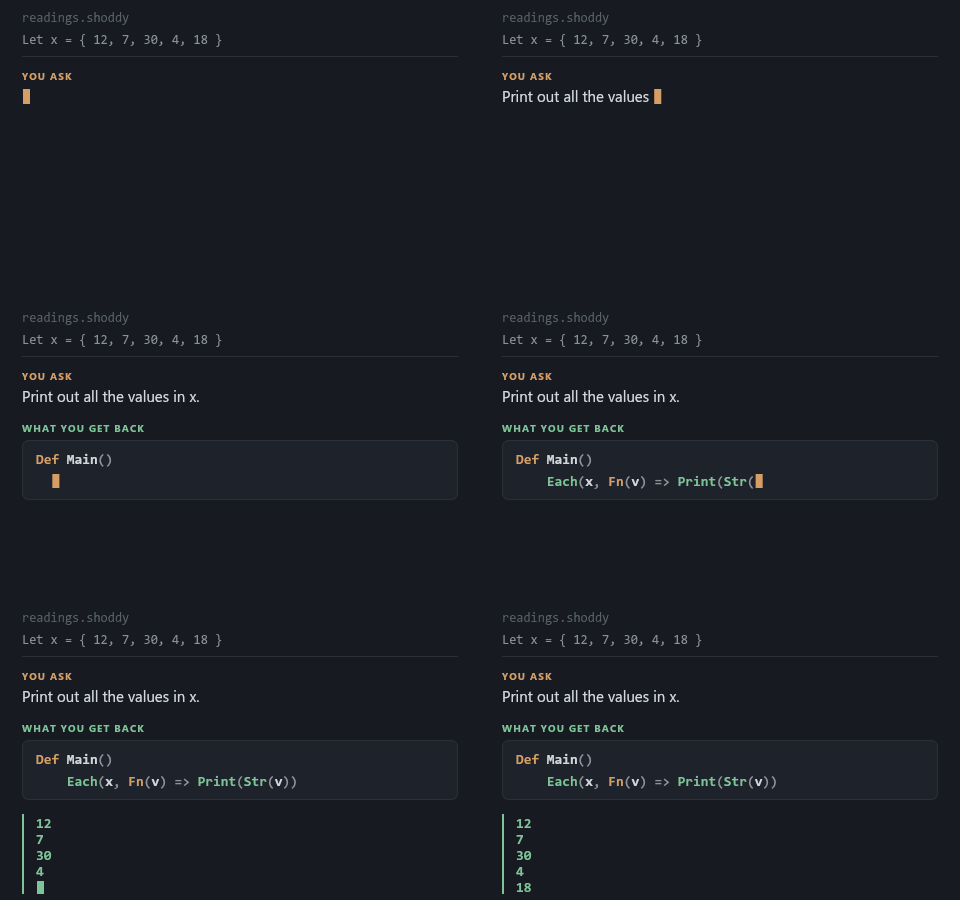 Building with an AIrequirements to shippable code: briefs, plans, verification, and blank templates
 Backgammon, by Specificationthe method at full size: every prompt for an engine and a game, written by a model
From an empty folder to a spirograph, in about half an hour
Build a turtle (a small on-screen pen you steer with commands) that draws a colour spirograph. Then turn it into a real program:
Along the way you meet the ideas that make Shoddy what it is: values
that never change, Fold where a loop would be, and records
(bundles of named values) with their accessors. You also get a debugger
session, and the mistakes every newcomer makes, with what the toolchain
says about each.
It assumes no Shoddy. The finished program ships in the repository at
tutorials/spiro/. Its tests run in every build, so the code
on the page is code that still works.
From requirements to shippable code: a method, and blank templates
An assistant can write Shoddy faster than you can type it, which is the least interesting thing about one. This is about the rest:
It comes with copyable templates (a brief, a fact sheet to hand over, a test skeleton, a verification checklist, a definition of done) and a chapter on how this way of working fails.
Bring your own project. The templates have slots for it.
Give the assistant Fettler before you
give it a brief. fettle performs the operations an
assistant carries out: find, search, read, write, edit, replace, move,
copy, delete, and run a declared task. It does them as one program with
an MCP front end (MCP, the Model Context Protocol, is the standard way an
assistant launches a tool and talks to it), bounded to the folder trees
you declare. Nothing goes through a shell, so the quoting rules, the path
separators and the stderr-is-fatal class of failure cannot occur. And
nothing changes for you: your terminal, your file explorer and
your IDE (your code editor) are exactly as they were. A method for
working with an assistant is worth little while the assistant is still
composing shell commands at your source tree.
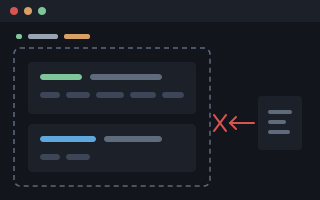 Fettlerbounded file tools · no shell in between
Then Run fettle doctor.
It answers in one screen whether Fettler is registered with each client,
whether the binary (the program file) it names can be launched at all, and
what on this machine still lets an assistant go round the boundary. It
writes nothing. On the machine this was written for, its first verdict
was broken: every documented registration launched a bare
fettle that resolved to nothing, and the server had never once
run. Installing it has the registration
for every client, and the exclusions that make Fettler the only
route to the tree rather than merely an available one. Registering it
makes it available. Denying the built-in file tools makes it used.
Tip Before any of them, Grounding an Assistant is the five-minute setup: a standing instructions file Copilot or Claude reads by itself. Then worked examples: one small program, the prompt you would type for each next step, and the Shoddy that comes back.
Thirty-one steps, an engine and a game, and you type none of it
The second tutorial is the method. This is the method under load: a complete backgammon program in two phases, specified step by step, with every prompt on the page ready to copy. The first phase is the rules, the doubling cube, judgement, and a network that learns to play by playing itself. The second is a board you can sit down at. Each step states what the model must deliver, what to reject, and the gate its tests have to pass (the check that must pass before the next step).
You write no Shoddy at all: not the engine, not the game, not the tests. What you write is what must be true. It is also a fair test of the idea. No backgammon engine exists in Shoddy for a model to remember, so every line has to come from the requirement.
The Beginner's Guide is the systematic tour of the language, chapter by chapter, ending in a program that keeps its data on disk. The machines catalog is the library: graphics, sound, statistics, neural networks, keyed files, linear programming. The mills are complete programs with a write-up each, built the same way the first tutorial builds yours. And Errors & Warnings catalogs every message the toolchain can produce, with the cause and the fix beside it.
 Shoddy · Documentation