Shoddy Documentation
Everything here, organised by what you came for
Useless Things Made Useful Through Skill

The mark’s three threads enter loose and run out woven: rag stock in, cloth out. The mark, the colours, and why they are these colours and no others, are in the heritage of the name.
Shoddy is a small programming language that looks like old-school
BASIC. You build programs by combining values instead of changing them,
a style called purely functional. The mill is
Shoddy’s own compiler and runner. It compiles a program onto .NET,
the Microsoft platform the tools run on. For readers who already know
other languages: the surface syntax is typed and friendly (parenthesized
calls, infix operators, Let, records, Select
Case pattern matching). Underneath, every program compiles onto a
stack core: a small language where each word takes its inputs from the
top of a pile of values and leaves its result there. That core is itself
a legal dialect you can write directly
(The Stack shows it running). The layout comes
from Python, the keywords from BASIC, and the core from Joy, a stack
language.
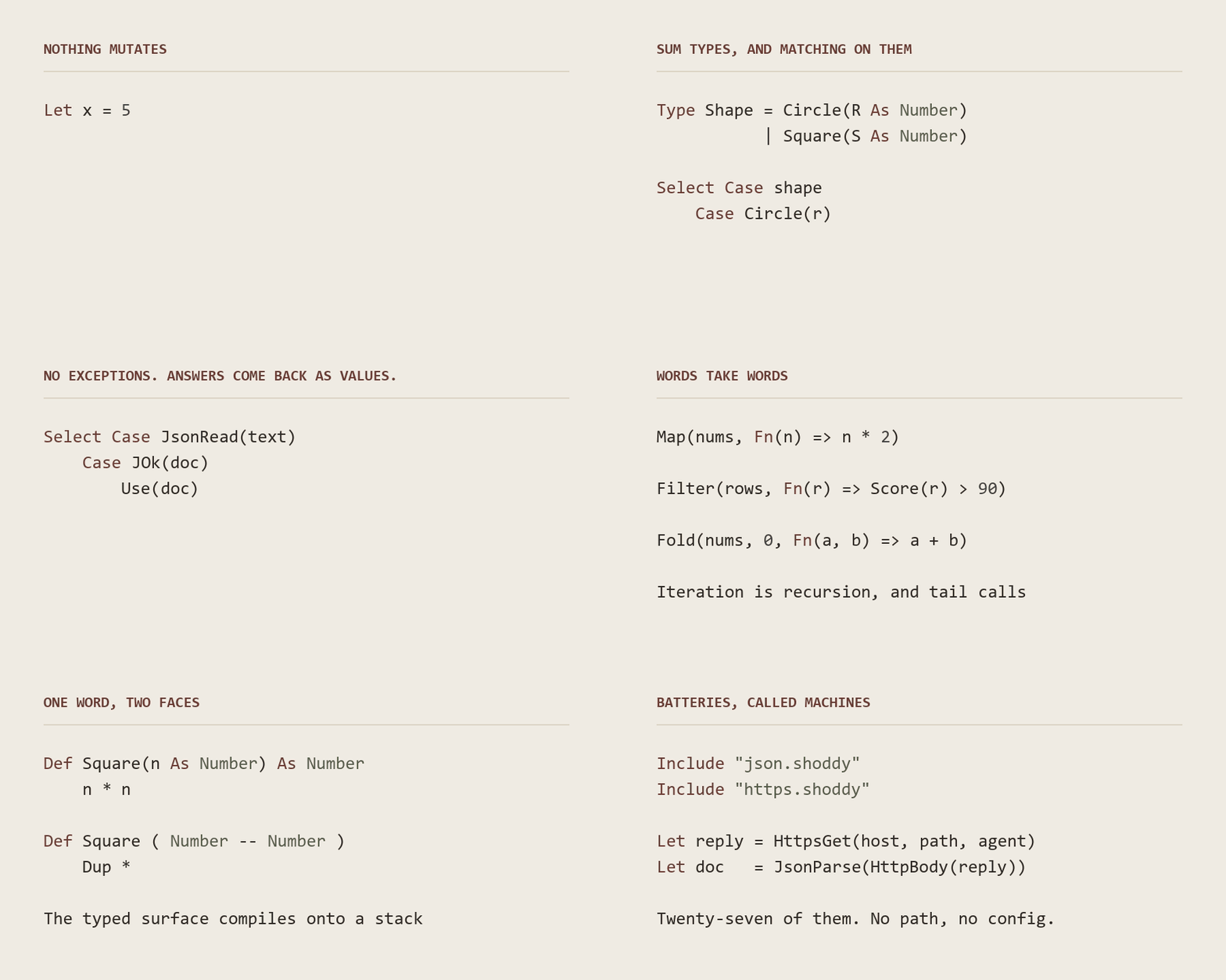
Nothing changes in place. Let names a value once and
never renames it. An “update” returns a new value.
Repetition is a function calling itself, or Map,
Filter and Fold doing it for you. The whole
surface also translates down to stack code you can write yourself. The
same Square is
Def Square(n As Number) As Number / n * n, or
Def Square ( Number -- Number ) / Dup *, and
both are Shoddy. The standard library is written in that same language.
A machine is a library, in Shoddy’s mill
vocabulary, and there is one file of Shoddy source per machine, from
seq and str out to neural nets and
TCP/IP.
Mungo Caverns, a purely functional port of the original text adventure, and Devil’s Dust, the language’s own name-story animated, with a tuning console that goes to eleven.
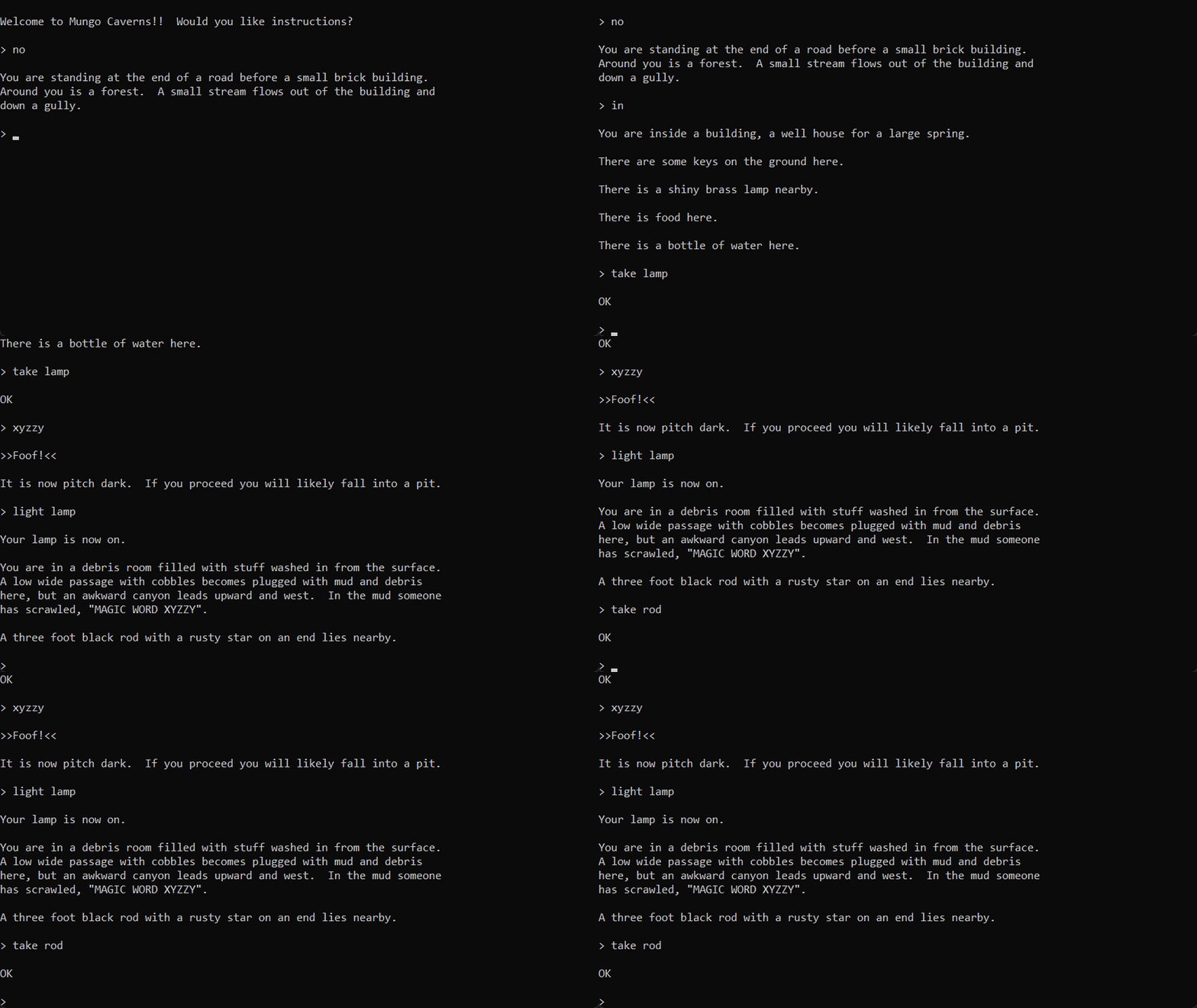 Mungo Cavernsthe cave crawl, purely functional: graded against the original’s transcripts
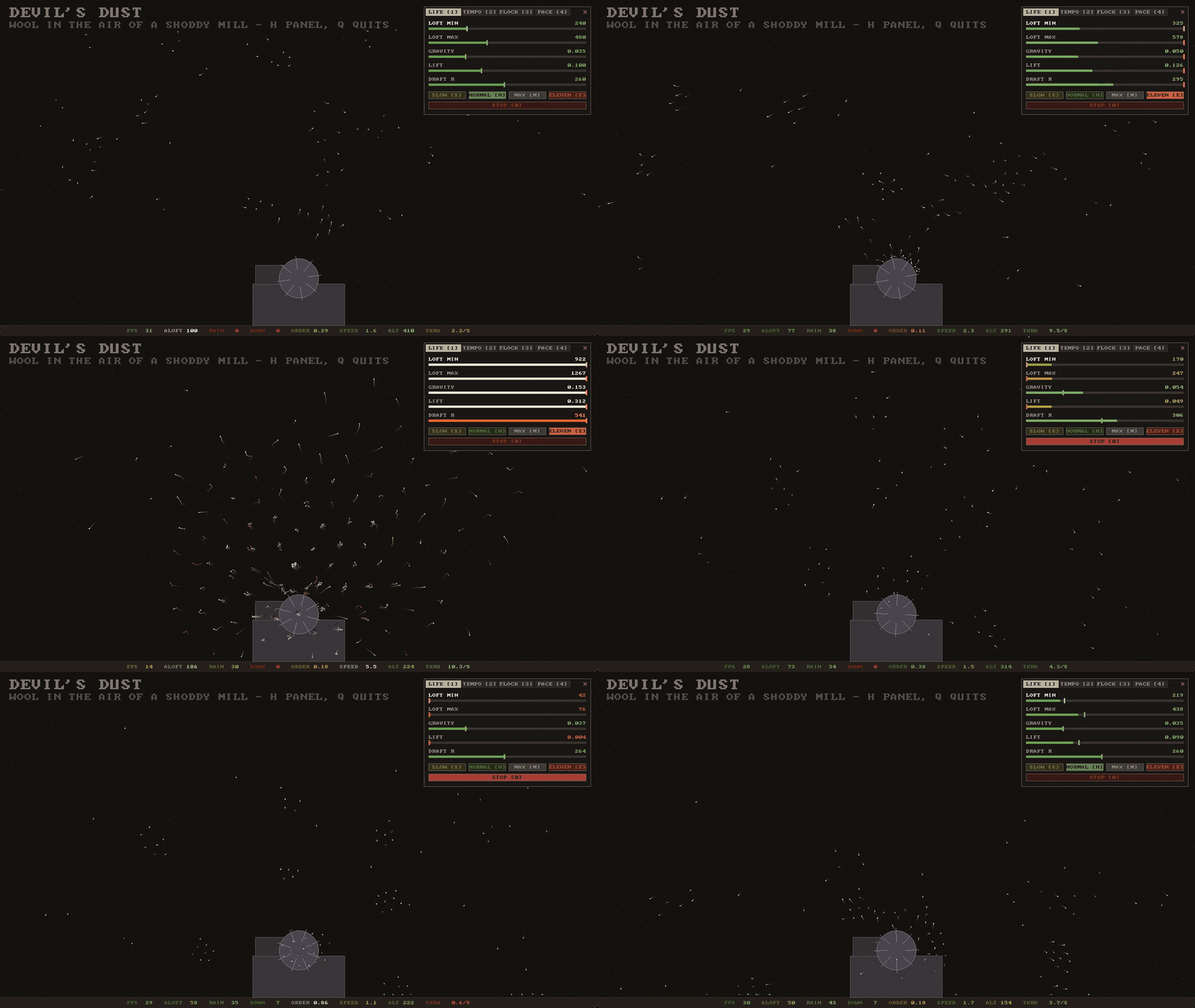 Devil's Dustflocking wool over the devil’s drum: live console, machine-room drone
One download is the whole toolchain. The
VS Code extension carries the mill and every
machine inside it. Install the .NET 10 runtime (the runtime, not
the much larger SDK), install the
.vsix extension file,
open any folder, and run. There is nothing to clone, nothing to build,
and no settings to change. A bare Include "seq.shoddy"
resolves anywhere, and breakpoints, variables and the call stack work
with no setup. Setup is two steps.
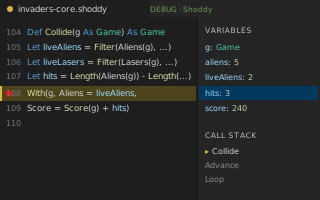 Debug in VS Codebreakpoints, variables, call stack
Nothing in this section is needed to write or run Shoddy; the extension above is the whole install. These are separate downloads for an assistant working beside you: one gives it the calculator, and two bound what it may touch.
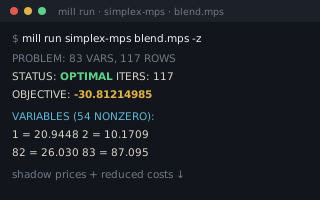
sparky, for your AI. The same release page carries sparky, the reckoner calculator packaged as an MCP server. MCP is the standard way an AI assistant launches a tool and talks to it. Sparky is one self-contained executable per operating system: it needs no repository and no .NET install. Point Claude Desktop, Claude Code or any MCP client at it, and the model computes with the whole standard library instead of guessing.
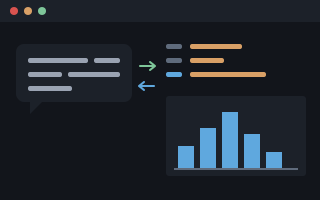 sparky, for agentsthe calculator as an MCP server
Fettler, for the tree itself.
Fettler is the file, search and edit tools an
assistant needs: find, search, read, write, edit, replace, move, copy,
delete, and run a declared task. It is one program with an MCP front end
and a command line. No shell sits anywhere between it and the
file, and every path is bounded to folders you declare. The
shell quoting rules that differ on every machine never come into it.
fettle doctor reports what is wired up and what still goes
round it.
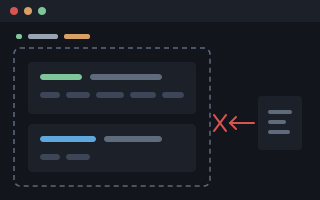 Fettlerbounded file tools · no shell in between
Picker, for the data.
Picker is
Fettler's boundary applied to a SQL Server catalog: SELECT
and DESCRIBE inside databases you declare, and nothing
else. There is no default database, no USE and no system
catalog; tables, views and columns are scoped one by one; one statement
passes through a parser gate that fails closed; and the same disclosure
screen runs over the rows coming out. It is its own program,
pick, with an MCP server and a command line, released from
the Fettler repository.
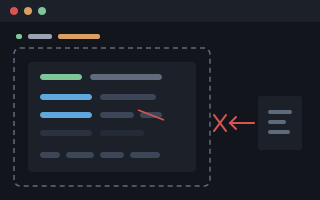 Pickerbounded SQL · no shell in between
A mill is not only a console program. Weaving is Shoddy’s word for compiling, and the woven result is an ordinary .NET program file. That same file runs at a terminal, inside an app, and from any .NET language, whole and unmodified. One page of hosting covers all of it.
 A terminal, anywhereMode T:
 mill weave, then dotnet x.dll. A woven program is an ordinary .NET assembly
 An app: the ReckonerMode N in .NET MAUI: halifax’s words called natively, and five catalog games running whole through pipes
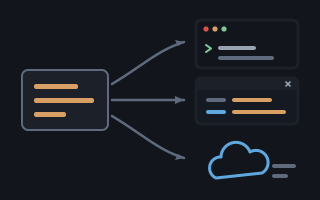 Everywhere .NET goesMode N from C# or F#: Load, Word, Call. A web endpoint or an Azure Function is the same three lines
Build a real program from an empty folder, learn the method for driving the same craft with an AI assistant, then watch that method run at full size.
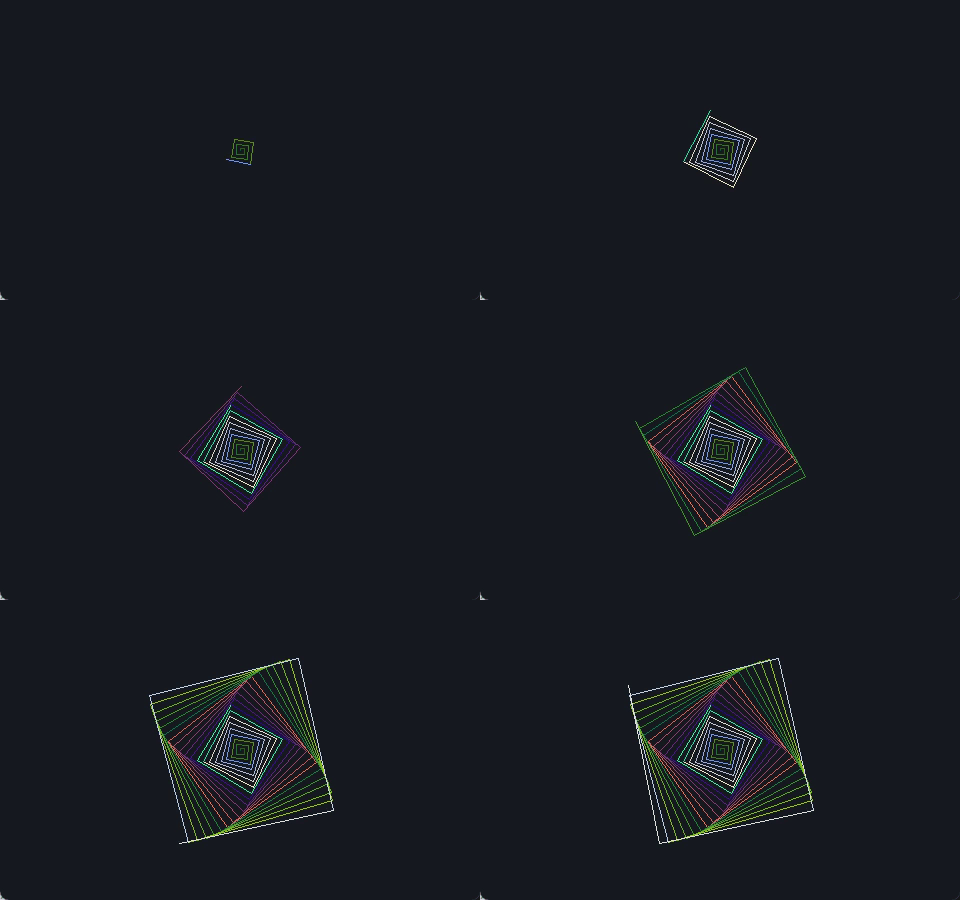 Your First Millan empty folder to a spirograph: tests, build files, and the debugger from the first run
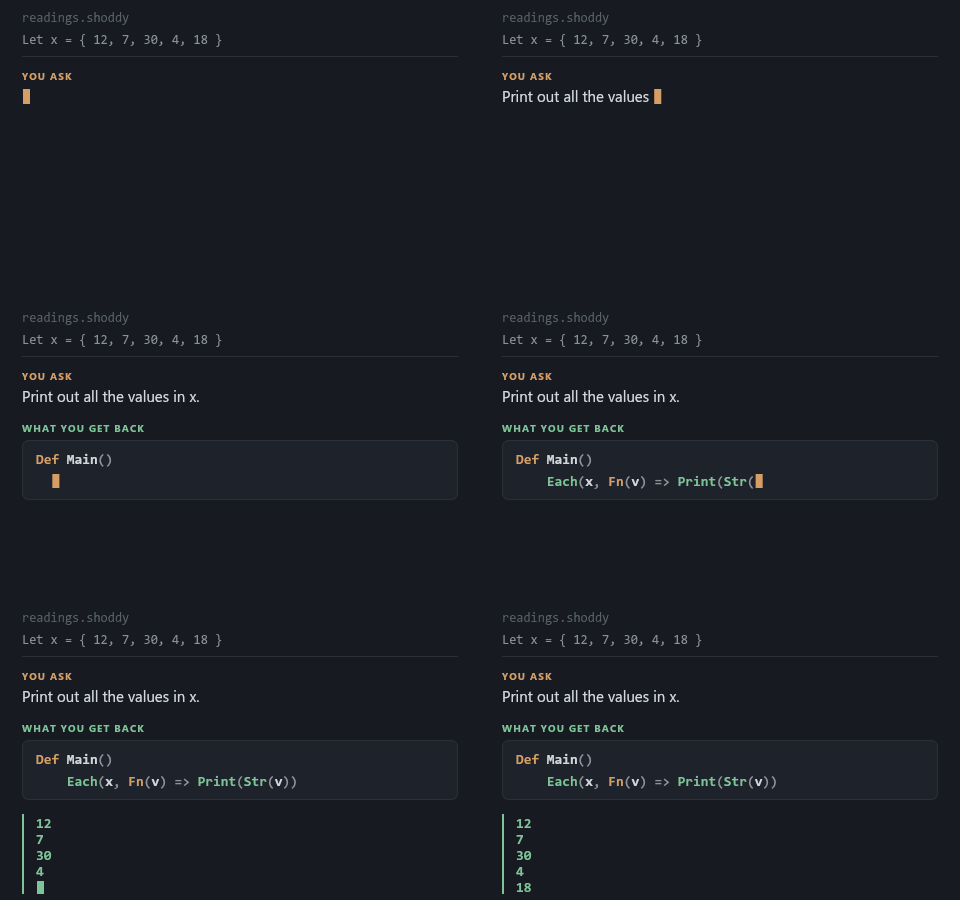 Building with an AIrequirements to shippable code: briefs, plans, verification, and blank templates
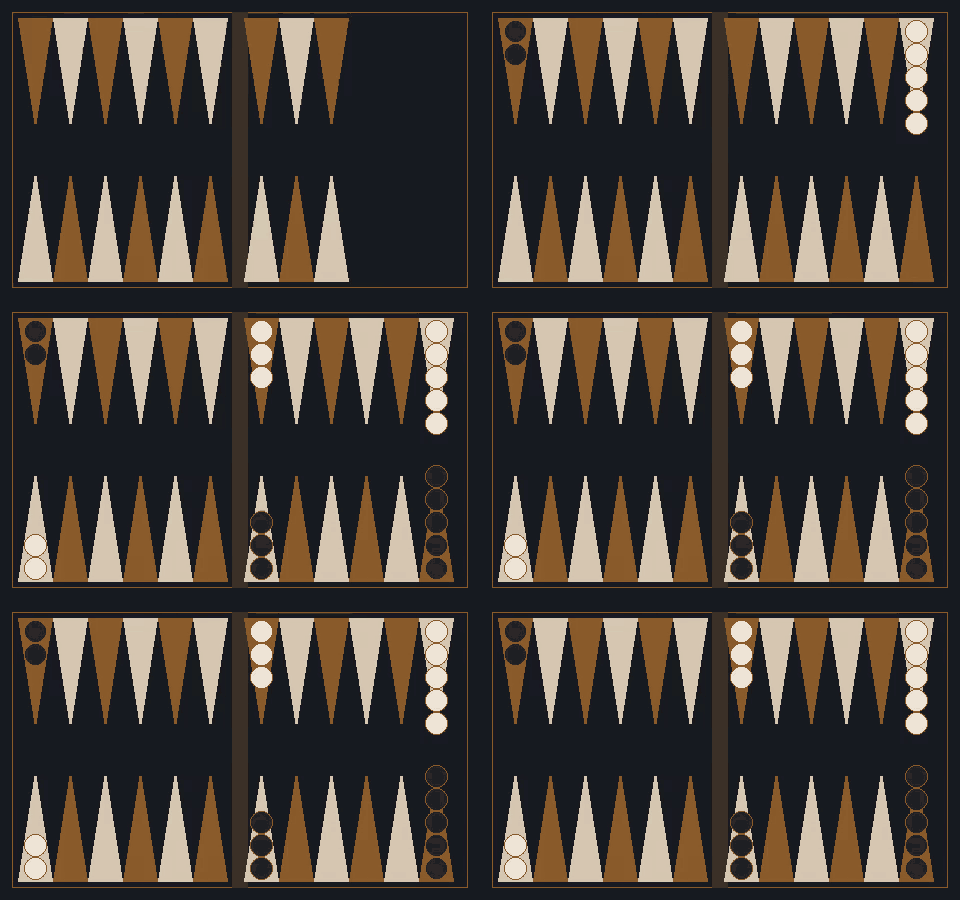 Backgammon, by Specificationthe method at full size: every prompt for an engine and a game, written by a model
Complete programs woven from the machines. Each one splits into a pure core that only computes (tested automatically, with no window needed) and a thin shell that only shows. Click through for the full write-up on each one, or start at the mills catalog.
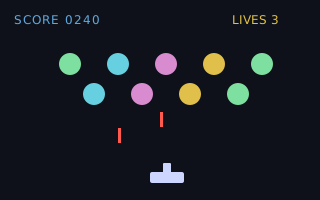 invadersgraphical window · colour + sound
 mungo-cavernsthe cave crawl, purely functional
 oregonthe 1971 classic, reclaimed
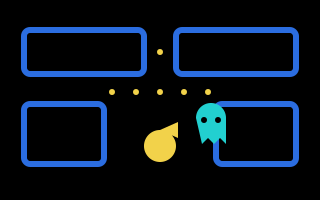 pac-vt100arcade chase in the terminal
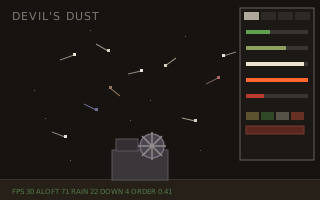 devils-dustflocking wool with a console · goes to eleven
 emley-moora web server, in Shoddy
 weather-glassa live forecast in the terminal
 halifaxa programmable calculator
sparkythe calculator, as an MCP server
halifaxa programmable calculator
sparkythe calculator, as an MCP server
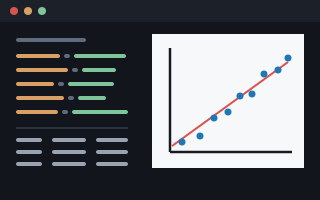 tallystatistics from a spec file
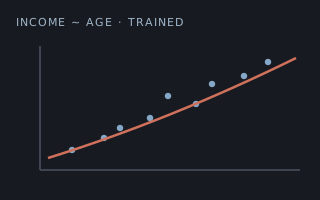 demographicsa neural net that predicts a number
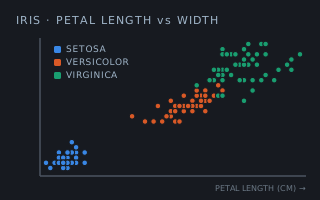 irisa neural net that names the species · trains in 4s
The standard library, one file of Shoddy source per machine: graphics, sound, statistics, neural nets, an optimizer, keyed files and TCP/IP networking. Full word references live in the machines catalog.
 buzzernotes, tunes, three waves
 keyskeystrokes, sorted out
 scribblerpixels in a window
 terminalprint, read, keystrokes
 turtlepurely functional turtles
 vt100terminal control codes
 boolbits, bases, truth tables
 clocktiming and timestamps
 engthe engineer's calculator
 ephemeristhe sky as arithmetic
 geothe Earth as arithmetic
 julianthe calendar as arithmetic
 maththe everyday math helpers
 regextext patterns, compiled
 seqMap, Filter, Fold and friends
 sinqorder, group, join, walk
 strstring helpers
 algformulae as values
 linsolve, factor, eigenvalues
 matrixthe everyday number grid
 sparsematrices that are mostly zeros
 neuralsmall neural networks
 plotterstatistical charts
 randomshuffles, samples, ranges
 statsfrom averages to full tests
 csvtables, quoted properly
 htmlweb pages, forgivingly
 jsonJSON, both directions
 xmlXML, both directions
 dictkey/value over Pair lists
 fileline-oriented text I/O
 isamkeyed files, indexed on disk
 reciofixed-size binary records
 shakerscrambles a save file, reversibly
 cuttlea stack your program can hold
 lineshaftCall, Ifte, Error, Assert
 reckonerthe calculator engine
Print("HELLO") to a grade book
that keeps its roster on disk, with notes for BASIC veterans at the end.
Install first. Setup is two steps, because the
VS Code extension carries the whole toolchain
with it. The Toolchain page is there when you
want the mill on a command line.SELECT and
DESCRIBE inside databases you declare, and nothing else.
The AI page is the other half: what to
tell an assistant so it writes Shoddy rather than something that merely
looks like it. Shoddy · Documentation